Burn subtitlespermanently intoyour video.
Upload a video, get it back with subtitles baked into every frame. They travel with the file — every platform, every share, every embed. No SRT to attach, no caption-track to toggle. Hinglish-native by default.


Yaar suno ek baat...

Bilkul sach hai na...
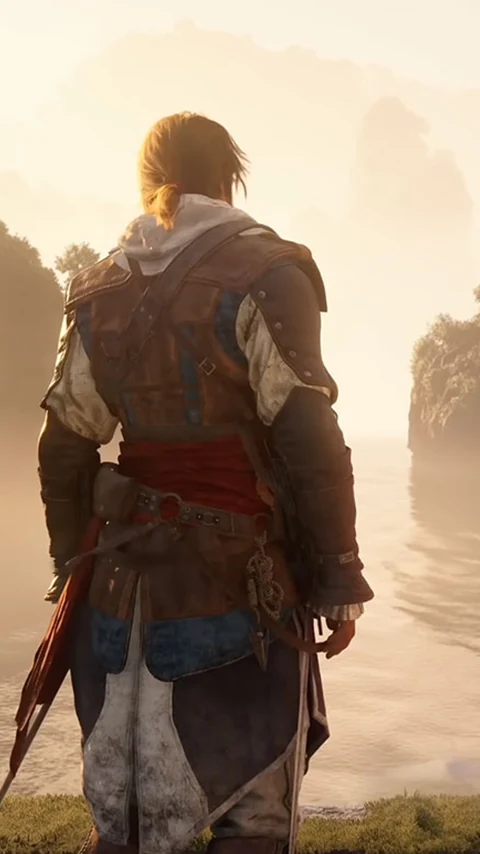
Dekho isko zaroor...

Ekdum mast scene...

Fire moment yaar!
Everything you need to burn captions in
Soft captions break the moment your video leaves the platform. Burned-in captions don't.
Pixel-Burned, Not a Caption Track
Subtitles are rendered into the actual video pixels — every frame, permanently. No companion SRT file. No "did the viewer turn captions on?" anxiety. The captions are part of the video.
Travels Everywhere
WhatsApp forwards, LinkedIn re-uploads, Telegram channels, downloads — burned subtitles survive all of it. The moment your video leaves YouTube, soft captions vanish. Burned ones don't.
Hinglish-Native Transcription
"Yaar bata na kya hua" stays as "Yaar bata na kya hua" — Roman script. Sarvam AI Saaras v3 in translit mode is the only model built for Indian code-switching at this quality.
Brand-Matching Style
Bebas Neue for impact, Montserrat for clean modern, Roboto for neutral — plus full control over color, size, stroke, and position. Set it once, every video matches.
Native Resolution Out
Upload 4K, get 4K back with subtitles burned in. Upload 1080p, get 1080p. No forced re-encode to a lower tier. The original quality stays exactly as you uploaded it.
Up to 45 Minutes per Upload
Tutorials, full interviews, recorded webinars — captions mode handles up to 45 minutes in one go. Longer than most "subtitle burners" allow on the free tier.
Live in three steps
No setup. No manual scrubbing. Just upload and go.
Upload Your Video
Drop in an MP4 or MOV. Up to 45 minutes per upload. Drag-and-drop straight from your desktop — no plugins, no install.
AI Transcribes and Renders
Audio gets transcribed in native Hinglish or English. Every word is time-aligned, then FFmpeg burns the subtitles into the video pixel-by-pixel in your saved style.
Download the Captioned Video
Get the full video back at native resolution with subtitles permanently baked in. Post it anywhere — captions show up automatically, no toggles required.
Simple, transparent pricing
Start for free. Upgrade when you're ready.
Free
3 video credits
- 3 video credits
- 5–10 clips per video
- Hinglish Roman subtitles
- HD 9:16 MP4
Starter
+15 video credits
- 15 video credits
- 5–10 clips per video
- Hinglish Roman subtitles
- HD 9:16 MP4
- Priority processing
Creator
+40 video credits
- 40 video credits
- 5–10 clips per video
- Hinglish Roman subtitles
- HD 9:16 MP4
- Priority processing
- Early feature access
Pro
+150 video credits
- 150 video credits
- 5–10 clips per video
- Hinglish Roman subtitles
- HD 9:16 MP4
- Priority processing
- Early feature access
- Dedicated support
Everything you need to know
It means the subtitle pixels are rendered into the video itself — they're part of the image data on every frame. Compare this to "soft" captions (SRT, VTT, YouTube captions) which live as a separate track and only show up when the player supports them and the viewer has them turned on.
Because soft captions break the moment your video leaves the platform. Cross-post to WhatsApp, embed elsewhere, download for a client — the caption track is gone. Burned-in subtitles travel with the file. They also show by default, which matters for mute-by-default platforms like Reels and Shorts.
Not currently. Zoupyu's output is the captioned MP4 only. The reason burned-in subtitles exist in the first place is to avoid the SRT-syncing workflow — exposing one would partly defeat the purpose. SRT export is on the roadmap if there's enough demand.
Yes. Captions mode renders at native resolution — 1080p in, 1080p out; 4K in, 4K out. The only thing added to the file is the subtitle layer.
Most videos finish in a few minutes. Processing time scales with length and resolution — a 5-minute 1080p video is typically done in under 90 seconds; a full 45-minute 1080p upload takes longer but rarely exceeds 10 minutes.
Yes, in Clip Settings. Choose your font (Bebas Neue, Montserrat, Open Sans, Roboto, and more), set color and stroke, pick on-screen position, and adjust size. The style applies to every video you upload after that — set it once, forget it.
Sarvam AI Saaras v3 hits 95%+ accuracy on clean audio. If background music or overlapping speech tanks accuracy, your credit isn't wasted — failed jobs refund automatically. Manual subtitle editing before render is on the roadmap.
Faster, and Hinglish-native. CapCut and Premiere either don't handle code-switching at all or default to Devanagari. Zoupyu's transcription is built for the way Hinglish is actually spoken and read. Plus there's no timeline, no manual sync, no export queue — upload and download.
Learn more from the blog
How to Generate Live Captions for Any Video in 2026
Burned-in pixels vs SRT files vs auto-CC — and why only one of them travels with your video.
Read articleThe Retention Math of Subtitles on Shorts
The measurable retention lift from burned-in subtitles, explained with real numbers.
Read articleThe Hinglish YouTube Content Strategy
How code-switched content wins the Indian audience pure-English and pure-Hindi channels miss.
Read articleStart burning subtitles into your videos today
Upload a video and get it back with subtitles permanently baked into every frame — Hinglish-native, your fonts, native resolution out. 3 videos free, no credit card needed.
🍪We use cookies to make Zoupyu faster and smarter for you — no sketchy stuff, just the data that helps us improve. View our Privacy Policy.