Zoupyu features
AI finds the moments. You decide the rest.
Pick your moments
The AI scans the whole video and marks what’s worth clipping. You keep the ones you’d post. Nothing renders until you do.
- Lower-ranked moments are there to switch on
- Only the clips you keep are made
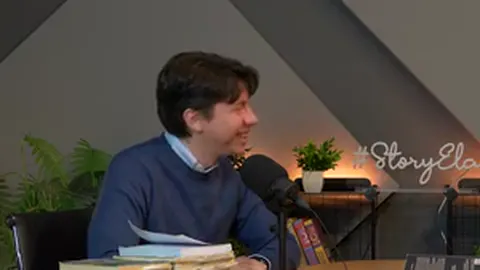 27s
27sThe hotel story
0:55
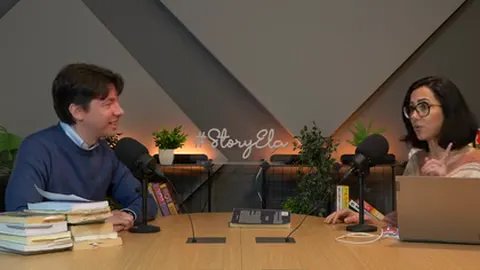 24s
24sFour million views
4:16
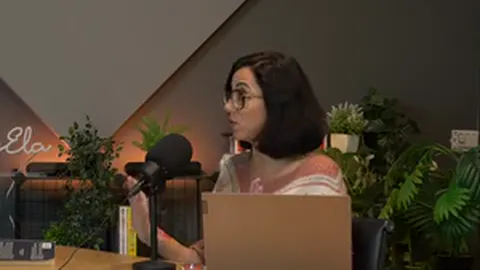 31s
31sMonth seven
6:14
Adjust your moments
Drag a clip’s start or end and it plays from right there, so you hear the cut before anything renders.
- Zoom the timeline for finer cuts
- One tap puts back the AI’s edges
Cut on the sentence
Drag a clip’s start or end and it snaps onto the sentence as it gets close, so a setup or a punchline doesn’t get cut in half.
- Tap a nearby line to pull it in
- Or place an edge to the tenth of a second
We booked the cheapest room in the city. The guest walks in, looks around, and just starts laughing. You can’t plan that.
Edges snap to the sentence
Fix the word before it’s burned in
The transcript is yours to correct. Tap a word it got wrong, type the right one, and the captions use your version.
part
Transcript
And that laugh became the most replied part of the episode.
The caption burns your version.
Four layouts, one tap
Choose how the vertical frame is built. Zoupyu suggests Facecam when it spots a webcam.
Auto-detect. Fill or square, picked scene by scene.
Facecam, your size
Give the webcam anywhere from 30% to 50% of the frame. Two streamers on cam get a band each.
Facecam size
40%
Drag it. It’s live.
Bars, in color or blur
Add bars above and below the picture, in a solid color or a blurred copy of the video.
- On the Auto-detect and Talking head layouts
Bars
Behind the bars
Room for a headline up top, clear of the app’s buttons below.
Your captions, your style
Word-timed and burned in. Pick a look and every clip comes back in it.
Finish it after it renders
Add a headline, or let the AI write a few. Change the font, the filter, the contrast. Same clip, no starting over.
- Rendering an edit needs a pack
- One credit covers 10 edits
Post the thing you are scared to post
13 fonts · 10 filters · 6 sliders
Paste a link, pick the stretch
A pack credit clips an hour of the part you choose, up to three hours at a time. Free credits clip 10 minutes.
Zoupyu features FAQ
Yes. The AI finds the moments and stops there. You keep the ones you want, drop the rest, and switch on any it ranked lower. Only the moments you keep are rendered.
Yes, before it renders. Drag either edge: it moves in tenths of a second and snaps onto a sentence when it gets close. Or tap a line just outside the clip to pull it in.
Yes, for clips. Tap any word in the transcript, type the right one, and the captions use your version. A full video sent for subtitles only goes straight from transcription to burn-in.
Four: Auto-detect, Facecam, Podcast and Talking head. Facecam gives the webcam 30% to 50% of the frame, and two cams get a band each. Podcast follows whoever is talking. Auto-detect and Talking head can add bars above and below the picture, in a color or a blurred copy of the video.
Yes. The clip editor adds a headline (write your own or let the AI suggest some) in 13 fonts, plus 10 filters and 6 adjustments like contrast and warmth. Rendering an edit needs a pack, and one credit covers 10 edits.
Try it on your next video
3 credits free. No card needed.